

What Expert Interviews and AI Video Each Bring to Luxury and Premium Retail Training?
When a watchmaker explains why a Maison chose a particular finish, I pay attention to the words they use, the details they point out and the way they handle the piece.
A well-asked question can bring out a decision or an insight that never made it into the product brief. For a client advisor, hearing that story firsthand can change how they talk about the watch with a customer.
That’s what I value about filming an expert. Their knowledge comes from years of training and working within the culture of a Maison. In many cases, they’ve helped shape the very story they’re telling.
Their gestures, vocabulary and judgement are part of what they pass on. When the goal is to help advisors understand a brand’s heritage, craftsmanship or philosophy of service, an expert interview would still be my first choice.
AI-generated video has its own place in luxury and premium retail training. I see several uses for it alongside expert interviews.
👉 Explain a technical feature. An AI-generated video based on an approved script can walk advisors through how a watch complication works or give them a quick refresher before a client appointment.
👉 Rehearse a customer conversation. Imagine a customer who admires a piece but asks why it costs more than a similar one. A simulation gives an advisor room to try a response and see how it sounds before having that conversation on the shop floor.
👉 Give teams the same practice in their own language. A scenario can be voiced in French, English, Japanese or Korean. I’d have local teams review each version for pronunciation, tone and how naturally the dialogue lands in their market.
The two formats can work particularly well in the same lesson. Let the watchmaker explain why the finish was chosen, then give advisors a simulated client conversation in which they have to explain its value in their own words.
I’d clearly label the simulation as AI-generated and give it the same attention to script, voice and visual design as any other piece of training from the Maison.
In your training programmes, which stories do you want your experts to tell in their own words, and where could AI video give your teams more room to practise?
Expert Interviews | The Story Behind the Finish
Why did the Maison choose this finish? In a filmed interview, a watchmaker can answer that question while showing how light catches the surface and pointing out details a client might miss at first glance. The expert’s choice of words, gestures and personal insights give advisors a feel for the Maison’s approach to craftsmanship. By hearing the story firsthand, advisors can explain in their own words what makes the piece distinctive when a client tries it on.
Expert Panels and Recorded Q&As | Preparing Store Teams for a Launch
Ahead of a launch, invite store teams to submit the questions they expect customers to ask. In a filmed panel or live Q&A, a designer can explain why a material was chosen, a product specialist can clarify how two models differ, and a retail trainer can show how to explain those differences to a customer. Share the recording in The Learning Lab so advisors who missed the session can catch up and everyone can revisit specific answers before launch day.
Brand Films and Behind-the-Scenes Videos | Inside the Design Studio
A behind-the-scenes video takes advisors into the studio to see how a collection came together. A designer can share the original sketches, show how a fabric moves and explain why a silhouette changed between the first fitting and the final piece. Shared in The Learning Lab ahead of a launch, the film gives store teams details they can draw on when a customer asks about the inspiration behind a piece or what makes it distinctive.
Video Quizzes | Put Product Knowledge into Practice
With The Learning Lab, retail trainers can add quiz questions and feedback at specific moments in a video. A styling demo might pause after a customer describes what they need, asking advisors to choose which piece they’d recommend and why. Immediate feedback explains how each option fits the customer’s needs, giving advisors a chance to practise the judgement they’ll use on the shop floor.
Product Walkthroughs | Show What Makes a Product Distinctive
In a filmed product walkthrough, a trainer introduces a new piece and demonstrates the features customers are most likely to ask about. For a new handbag, the trainer might show how the adjustable strap changes the way it sits, what fits inside and how the clasp works. Shared in The Learning Lab before launch, the video gives advisors a quick way to revisit those details and show customers how the bag would fit into their daily lives.
Video Tutorials | Teach Application Techniques Step by Step
In a filmed tutorial, a beauty advisor can demonstrate how to apply a foundation, showing how much product to use, where to start and how to blend it for an even finish. Close-up shots help learners see the brush angle and pressure at each step. Shared in The Learning Lab, the tutorial lets advisors pause, replay and practise the technique before demonstrating it to a customer.
Screen Recordings | Show Store Teams How to Process a Return
In a screen recording, a trainer can walk store teams through a return in the point-of-sale system, from finding the original purchase to selecting the return reason and confirming the refund. A voiceover can explain what to check before confirming, while on-screen highlights show exactly where to click. Shared in The Learning Lab, the recording gives new starters a walkthrough they can follow at their own pace and experienced staff a quick refresher when they need it.
Animated Explainers | Inside a Watch Complication
An animated explainer can take advisors inside a watch movement to show what happens when a client presses the chronograph pusher. By slowing down the sequence and highlighting the parts that start, stop and reset the hand, the animation makes the mechanism easier to follow. Shared in The Learning Lab, it gives advisors a visual reference they can revisit before explaining the complication in their own words at the boutique.
Presenter-Led Videos and Narrated Slides | Introduce a New Service Standard
A trainer can use a short presenter-led video or narrated slides to explain what a new service standard looks like in practice. For a new client welcome, they might show how to acknowledge someone while helping another customer, what to say if there’s a wait and how to hand over to a colleague. Shared in The Learning Lab, the video gives store teams a common reference they can revisit before a shift and practise together during a team briefing.
AI-Avatar Videos | Explain Technical Features Clearly
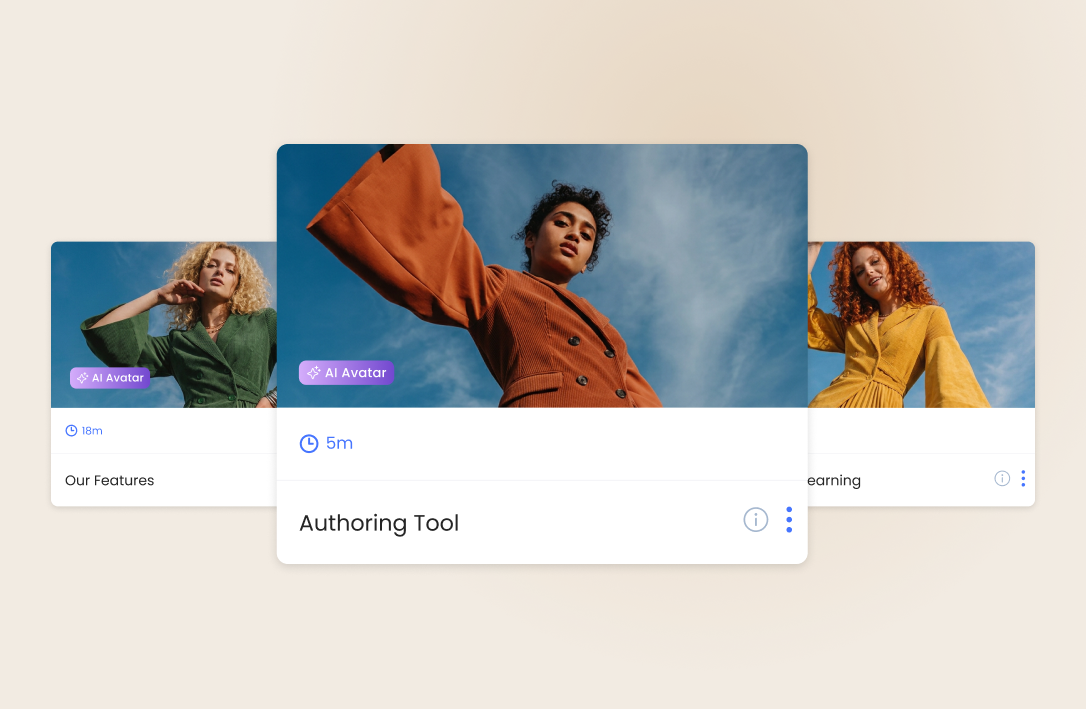
In The Learning Lab, an AI presenter can guide retail teams through technical product details using an approved script. For a new watch, the avatar might explain what a 72-hour power reserve means in everyday use and give advisors a simple way to describe it to a client. The video can be clearly labelled as AI-generated and adapted into multiple languages so teams across markets can revisit the explanation before a client appointment.
Role-Play and Simulations | Practise Handling Customer Objections
A filmed or AI-generated scenario in The Learning Lab gives advisors a chance to rehearse a conversation they might have on the shop floor. A customer could admire a handbag but ask why it costs more than a similar one. The advisor can practise asking what matters to the customer and explaining the details that are relevant to them. A coach can then give feedback on how well the response addresses the objection and whether it sounds natural.
Branching Video | See Where Each Response Leads
In The Learning Lab, trainers can create branching videos that let advisors choose how to respond and watch the customer react. When a client hesitates over a jacket, an advisor might offer another size, suggest a different cut or ask what feels uncomfortable. Each choice takes the conversation in a different direction, giving advisors a chance to see which questions help uncover what the client really needs.
Interactive Video | Explore Product Details as You Watch
With The Learning Lab, trainers can add clickable hotspots, questions and feedback at specific moments in a video. In a handbag demonstration, advisors can tap the clasp for a closer look, then answer a question about how they would demonstrate it to a customer. On-screen feedback helps them check their understanding before they try the demonstration themselves on the shop floor.

Microlearning Videos | A Quick Refresher Before a Shift
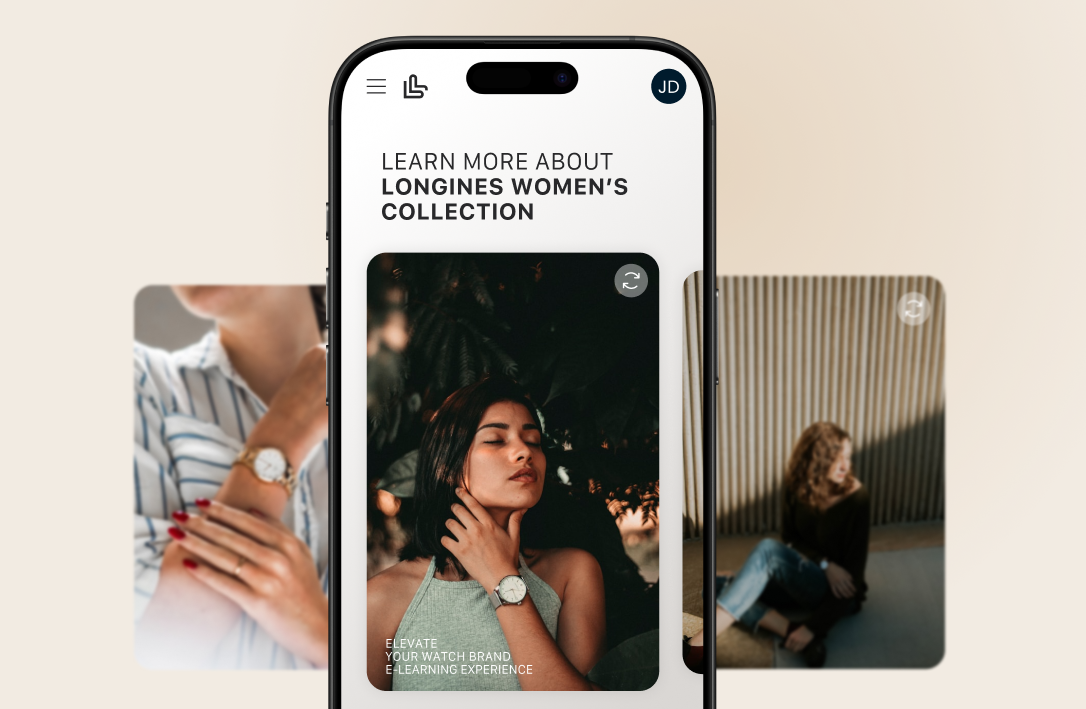
A short vertical video in The Learning Lab gives advisors a quick way to refresh one thing before stepping onto the shop floor. For example, a 60-second clip could show how to adjust a new handbag’s strap and demonstrate two ways to wear it. Shared in the InstaLearn feed, the video is easy to revisit on a phone before a shift or client appointment.
Video Assignments | Practise Your Product Presentation
With The Learning Lab, an advisor can record a short video presenting a new product as they would to a customer. A coach or colleague can point out where the explanation was clear, where a close-up would help and which details could make the story more relevant to the client. The advisor can then record a second take to put that feedback into practice before presenting the product on the shop floor.
Video-Based Learning for Retail Training
The Learning Lab is a video-first LMS that helps retail brands show store teams how to put product knowledge and service standards into practice.
A designer can explain the story behind a collection, a trainer can demonstrate how to style a key piece, and advisors can practise responding to a customer who asks what makes it worth the price. Training teams can build all three into a branded course that staff can access on their phones.
Turn videos into interactive lessons. Add questions, clickable hotspots and feedback at specific moments so learners can check their understanding as they watch.
Make refreshers easy to find on the shop floor. Share short demos and collection updates in InstaLearn, then link each post to the full course for advisors who want more detail.
Give store teams a way to learn from one another. Advisors can post their own styling demos on the Social Wall or record a product presentation for feedback from a coach.
Use results to guide coaching. Track participation, completion and assessment results across stores to see which teams have finished launch training and which topics need more practice.